The Problem with Most Booking Systems
Most fitness coaches are doing one of two things:
- Sending zero follow-up (and wondering why 40% of people don't show)
- Manually texting and emailing everyone before calls (which eats up your whole day)
Both options suck. The first one costs you money. The second one costs you time, which is the same as money.
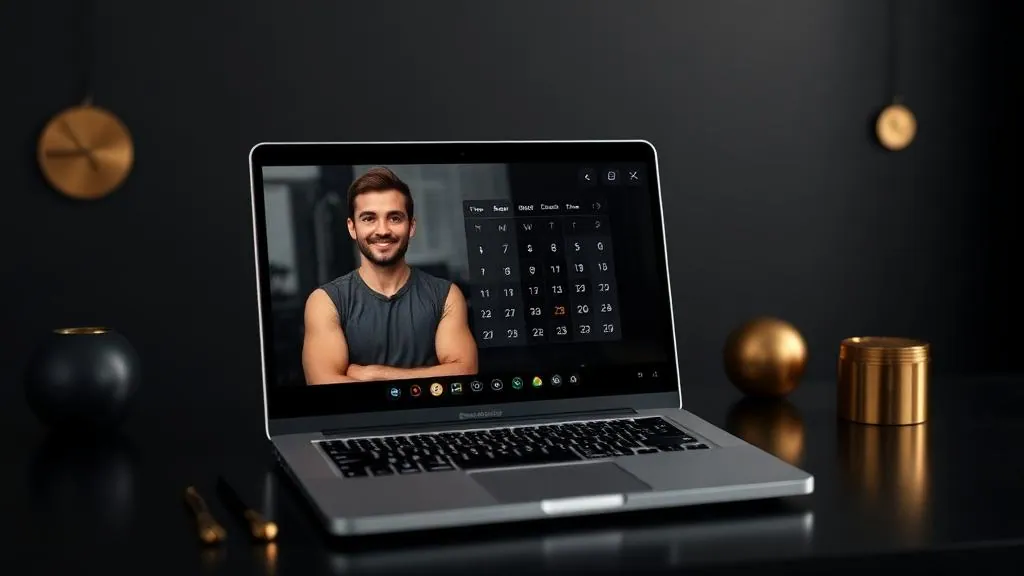
The Epic Calendar Confirmation System
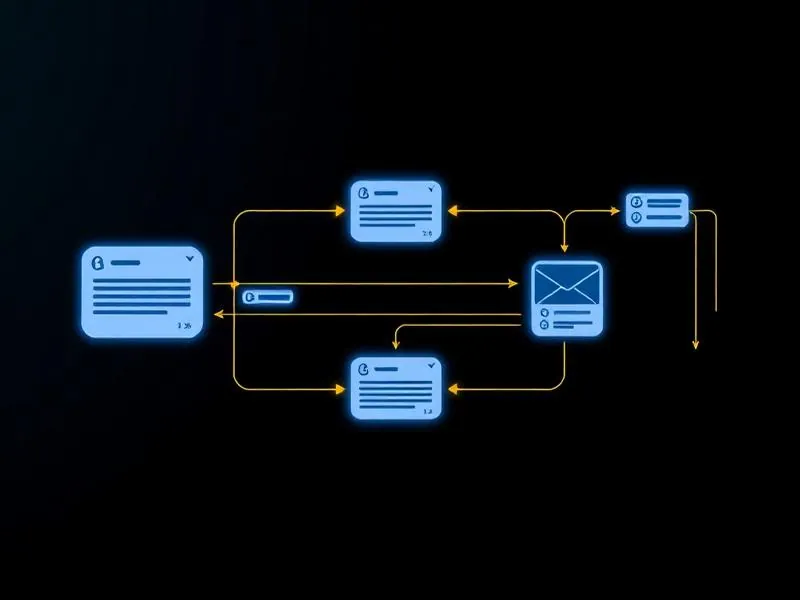
Here's what actually works — a system that does a few important things automatically:
- Treats new people different from repeat clients. First-time bookers need more hand-holding. The system knows this and sends them a different sequence.
- Uses both email and text. Email is great for details. Text is great for getting attention. You need both working together.
- Everything looks professional. The emails are formatted in HTML, which means they look like they came from a real company.
The Text Message Sequence That Gets Results
Here's the flow for first-time bookers:
- Right when they book: Confirmation text asking them to reply
- 24 hours before: Reminder (if they haven't replied, we ask again)
- 35 minutes before: Another heads-up
- 10 minutes before: Last chance reminder
- Right at meeting time: If they still haven't replied, we let them know we're marking them as a no-show
Sounds aggressive? It is. That's the point. Their phone is going to blow up, and they're going to remember they have a call with you.
The key is getting that first reply. Once someone texts you back, you can send them links and they'll actually see them. If they never reply, your texts might go to spam. So the whole sequence is designed around getting that first response.
Why Professional-Looking Emails Matter
Most people are sending emails that look like this:
"Hey, here's your download. Click this link. Thanks."
Boring. Forgettable. Cheap.
With the right system, your emails have:
- Your branding
- Clean formatting that works on any device
- Professional buttons and styling
- All your contact info automatically filled in
You don't have to know how to code. It's all done for you. You just turn it on.
The Settings That Make Everything Work
You can have the best automation in the world, but if your settings aren't right, it won't work properly. Three things you need to check right now:
- Your business name. Go to Settings → Business Profile. Change "Friendly Business Name" to your actual business name. This shows up in every email you send.
- Your email headers. Set up your domain and configure headers. This makes sure every email comes from the same name and address — helps you get into inboxes instead of spam.
- Your team settings. Make sure your first name is what you want it to be. If you want emails to say "Coach Sarah," put "Coach Sarah" as your first name.
Custom Domains: The $20 Upgrade That's Worth It
If everyone is sending emails from the same shared domain, one bad apple can mess it up for everyone.
Get your own email domain. It costs about $20 a year. Instead of "support@reply.longwebsitename.com" you can have "support@yourbusiness.com"
Which one looks better? Which one would you trust more?
Setting up a custom domain takes maybe 5 minutes. Everything connects automatically — no copying and pasting DNS records back and forth.
The Four Pre-Built Workflows You Need
Here are four complete automation sequences every fitness trainer should have running:
- Lead Magnet to Nurture Emails: For when someone downloads your free thing and joins your group. This warms them up over time.
- Epic Calendar Confirmations: The big one. Makes sure people show up to calls.
- Client Onboarding Sequence: For new paying clients. Gets them started right.
- Reactivation & Fast Cash Sequence: For people who bought before or people in your community who need a little push. Great for Black Friday, back to school, or any special promotion.
All of these are ready to go. You don't have to build anything. Just turn them on and customize the messages if you want.
Using AI to Build Better Emails
You can use AI tools like Claude to create professional-looking emails in about 2 minutes.
Just tell it: "Create an HTML email formatted to fit any screen" and give it your message and any images you want to use.
It spits out code. You copy that code into your email template. Done.
No design skills needed. No coding knowledge needed. You just get professional results that make you look like you hired someone.
Switching From Old Workflows Without Breaking Anything
If you already have calendar confirmations set up, here's how to switch safely:
- Don't just turn off the old one if people are currently in it. That would stop their emails mid-sequence.
- Delete just the trigger on your old workflow. This stops new people from entering, but lets anyone already in there finish.
- Check for active contacts. Once everyone is done, unpublish or delete the old workflow.
- Turn on the new system. Now new bookings go through the upgraded workflow.
Easy switch with no confusion for your clients.
The Real Reason This Matters
You can't charge premium prices if you don't look premium. Period.
When someone books a call with you and gets professional, branded, well-designed emails and texts — that tells them you run a real business. It tells them you're worth paying for.
When someone shows up to a call because your system reminded them five different ways, that's a sales opportunity you didn't lose. That's money in your pocket.
Quick Action Steps
- Check your Workflows section for Pre-Built Workflows
- Go to Settings and update your business name and email headers
- Turn off the trigger on any old calendar confirmation workflows
- Turn on Epic Calendar Confirmations
- Test it by booking a fake appointment with yourself
Want Your Entire Business Built in 48 Hours? Learn About Dynasty 2-Day Launch →