How to Turn 1 Workout Video Into 10 Pieces of Content (Without Extra Work)
Making a good workout video takes time. Filming, editing, planning. You don't want it to be a one-and-done thing. You want that effort to pay off in many ways.
This guide will show you how to multiply your content. You will get way more posts and reach more people. All from just one workout video.
The Power of Repurposing
Repurposing means taking one piece of content and changing it into other formats. It's like taking a recipe and making a full meal, then a snack, then a leftover dish. The main ingredient is the same. The final products are different.
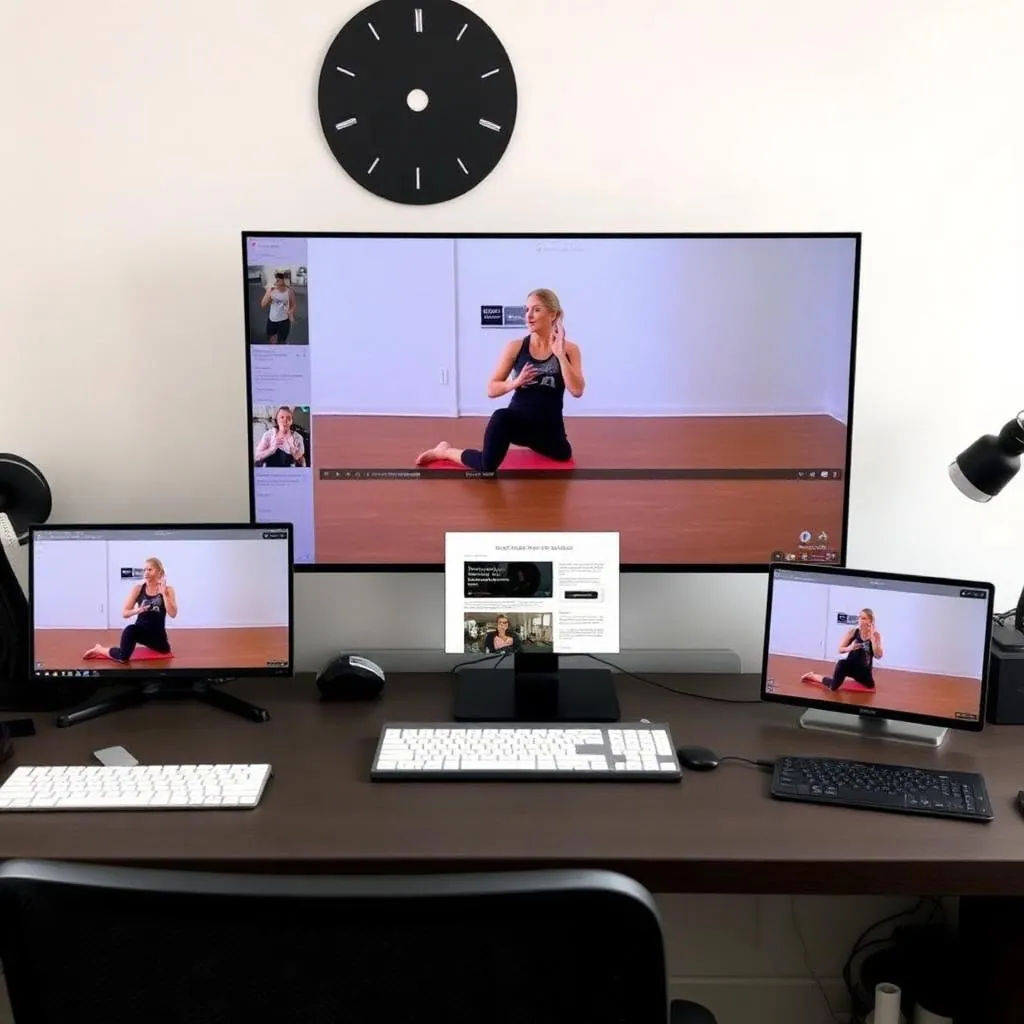
For your fitness business, this is huge. It saves you time. It keeps your social media fresh. It gives your audience more ways to learn from you. It also helps with your business plan and overall marketing.

Step 1: The Core Workout Video
Let's say you filmed a 10-minute full-body circuit workout. This is your main content piece. It's solid, clear, and well-explained. This video is the foundation for everything else.
Make sure your original video is high quality. Good lighting, clear sound, and easy-to-follow instructions are key. Think about what your ideal client would want to see and learn.
Step 2: Break It Down into Smaller Pieces
Now, let's dissect that 10-minute video. What are the key moments? What are the main exercises? Each part can become its own piece of content.
Content Piece 1: Short-Form Video
Take the best 15-60 second clips from your main video. These are perfect for Instagram Reels, TikTok, and YouTube Shorts. Focus on one exercise or a quick tip.
Add trending audio if it fits your brand. Use quick text overlays to explain the move. Check out our guide on short-form video strategy for more ideas.
Content Piece 2: Individual Exercise Demos
Did your video show 5 different exercises? Great. Cut each exercise into a separate 30-second clip. Now you have 5 new videos. These are perfect for showing correct form.
- Example: A 30-second clip of perfect squat form.
- Example: A 30-second clip demonstrating a proper push-up.
Content Piece 3: Exercise Tutorial Carousels
Use screenshots from your individual exercise demos. Create an Instagram carousel post. Each slide shows a different step or angle of the exercise. Add written instructions below each image.
This is visual and informative. People can save it for later to reference form.
Content Piece 4: Blog Post or Article
Write a blog post based on the workout. Title it "The 10-Minute Full-Body Workout You Can Do Anywhere." Embed your original video at the top.
Then, write out the exercises, sets, reps, and form tips. Expand on the benefits of each exercise. You already did the work in the video, now just write it down. This is great for SEO and keeps people on your website longer. You can even discuss how to price personalized workout plans.
Content Piece 5: “Mistakes to Avoid” Video/Post
Did you mention common mistakes in your video? Take those snippets. Create a new short video or a quick tips post. Show the wrong way, then the right way.
This is highly engaging. People love to learn what NOT to do. This also builds trust. It shows you know your stuff.
Content Piece 6: Email Newsletter Snippets
Pull out one key tip or exercise from the workout video. Put it in your weekly email newsletter. Link back to the full video or blog post.
For example, "Tip of the Week: Master Your Squat!" with a small overview and a link. This helps drive traffic to your longer content. Learn more about email marketing.
Content Piece 7: Infographic or Checklist
Design a simple infographic with the workout sequence. Or make a checklist of the exercises. Include how many sets and reps.
Use a tool like Canva. This visual content is highly shareable on Pinterest and Instagram.
Content Piece 8: Q&A Social Post
Ask your audience a question related to the workout. "What's your favorite exercise from today's full-body workout?" or "What's one exercise you struggle with?"
Use a still image from the video. This encourages interaction. Interaction boosts your content's reach.
Content Piece 9: Testimonial Request
If the workout is one you do with clients, ask them for feedback. "How has this workout helped you?" Turn their answers into social proof testimonials.
You can share positive comments. This shows that your workouts get results.
Content Piece 10: Behind-the-Scenes or Bloopers
Did you have any funny moments while filming? Or show a quick clip of your setup. People love seeing the human side of your business. It builds connection and authenticity. You don't always need AI to connect. See how AI can help with marketing funnels, but also know when to be real.
Tools to Help You Repurpose Content
- Video Editing Software: CapCut, DaVinci Resolve (free), Adobe Premiere Pro, InShot (mobile). These let you trim, cut, and add text.
- Graphic Design Tools: Canva, Adobe Express. Great for making infographics and carousels.
- AI Tools: Some AI tools can help transcribe your video. They can even suggest short clips. This helps you write your blog post faster or create captions. Use automation tools to save time.
The key is to have a system. Don't try to do it all at once during filming. Plan your repurposing AFTER the main video is done. This makes the process smooth.
The Benefit of This Strategy
You save tons of time. You reach more people on different platforms. Some people prefer reading. Some prefer short videos. Some like long videos. You cater to all of them.
This strategy also gives you more content hooks. More chances for people to discover your expertise. It helps you grow your brand without burning out on content creation.
Ready to master your social media? Learn more with our Social Media Wizard course.
Want to dive deeper into content creation for your fitness business? Check out these related posts:
- Your Go-To Guide for Short-Form Video Strategy in Fitness
- Email Marketing for Personal Trainers: Build Your List
Learn more about repurposing strategy from HubSpot's repurposing guide and Content Marketing Institute.